

 BT Magic Bluetooth Module
Giya sa Gumagamit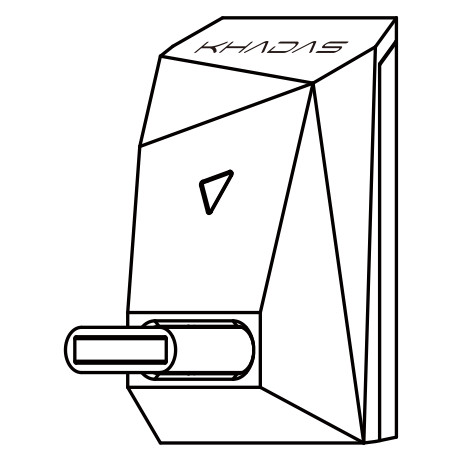
Interface Diagram

Paghulagway sa RGB LED Indicator
| Status | Lihok | Kolor |
| Nakakonektang Bluetooth | Asul (Nagkidlap) |  |
| Konektado sa Bluetooth | Asul (Pagginhawa) | |
| SBC | Dilaw (Pagginhawa) |  |
| AAC | Berde (Pagginhawa) |  |
| aptX / aptX LL | Turquoise (Pagginhawa) | |
| aptX HD | Purple (Pagginhawa) |  |
| LDAC | Puti (Pagginhawa) |  |
| Papasa ang Paring Record | Puti (Triple Flash) | |
Giya sa Setup
Power On
I-plug ang BT Magic sa USB-C (I2S) port, dayon i-on ang Tone2/Tone2 Pro. Ang BT Magic awtomatikong mo-on.
Pagpares sa Bluetooth
- Ibutang ang input mode sa Tone2/Tone2 Pro ngadto sa 'I2S'.
- Pangitaa ang 'BT Magic' sa listahan sa pagpares sa Bluetooth sa imong smartphone o tablet. I-tap kini aron ipares.

Pag-playback sa Musika
Human sa pagpares sa imong device, ang RGB indicator magpakita og asul nga kahayag sa pagginhawa. Andam na ang BT Magic alang sa playback sa musika.
Gipatay
Kung ang Tone2/Tone2 Pro mapalong, ang BT Magic mopalong usab. Sa kini nga kaso, ang RGB indicator light mapalong.
Manufacturer: Khadas Technology Co., Ltd.
Tel: +86 755 2307 6626 E-mail: support@khadas.com
adres: Room 2709, Floor 27, Qiancheng Center, Haicheng Road,
Xixiang Street, Bao'an District, Shenzhen
Mga Dokumento / Mga Kapanguhaan
 |
KHADAS BT Magic Bluetooth Module [pdf] Giya sa Gumagamit BT Magic, Bluetooth Module, BT Magic Bluetooth Module, Module |


